



-
Email
hello@digitalbestpractice.com -
Phone
(909) 631-8152 -
Address
14726 Ramona Ave, Chino, CA 91710
Phone
(909) 631-8152Address
14726 Ramona Ave, Chino, CA 91710Copyright © 2026 Digital Best Practice All Rights Reserved
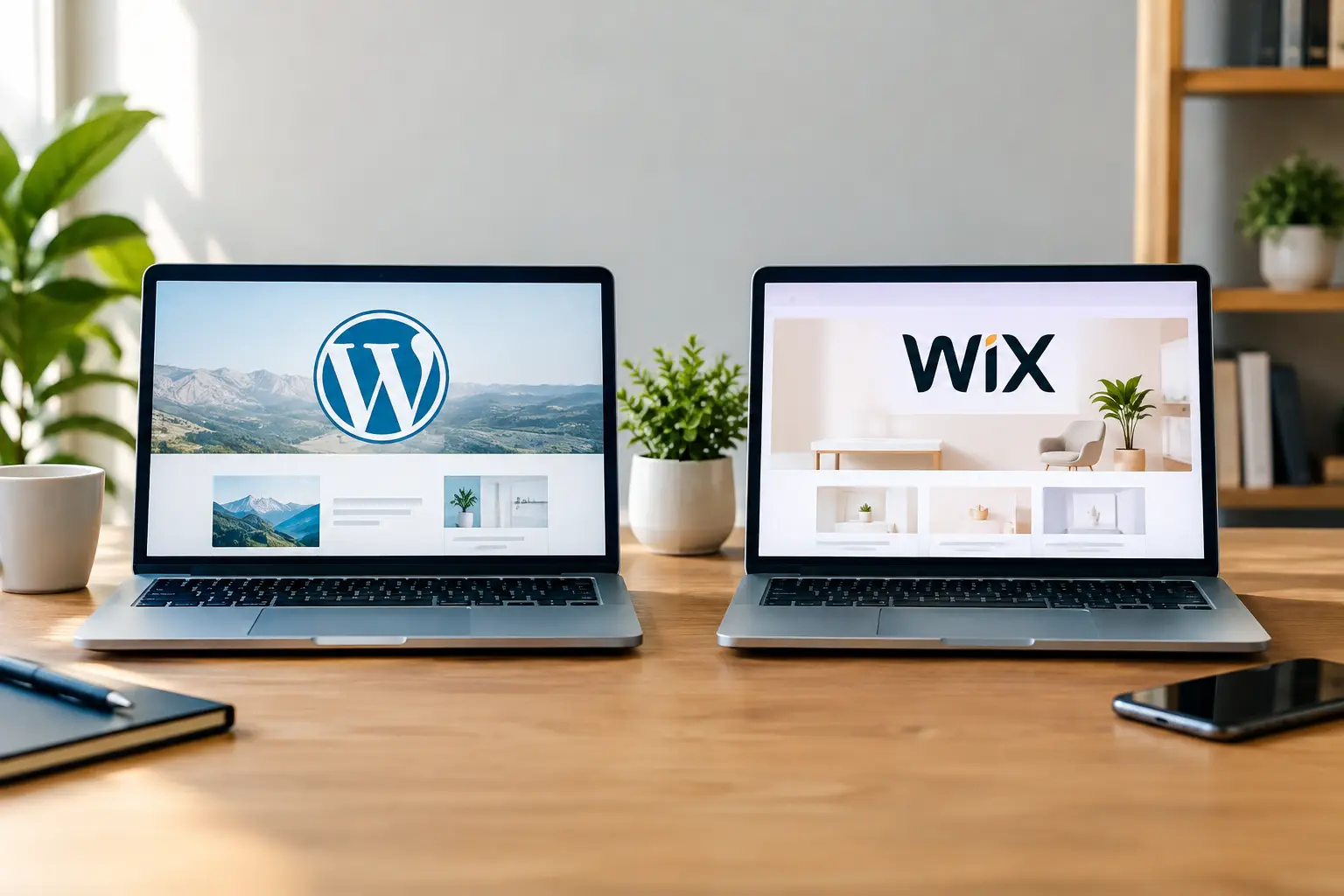
A website builder decision can shape far more than the look of your homepage. It affects how quickly your team can publish, how well you can compete in search, how leads move into your sales process, and how much flexibility you retain as the business grows. When comparing WordPress versus Wix websites, the right answer is not about picking the most popular platform. It is about choosing the platform that supports your next stage of growth.
For a new local service business, Wix can be an efficient way to establish credibility and start generating calls. For a business investing in local SEO, paid traffic, content, integrations, and ongoing conversion improvements, WordPress often creates more room to scale. Both can work. The better choice depends on what the website needs to do after launch.
Wix is an all-in-one website platform. Hosting, templates, security updates, visual editing tools, and basic business features sit inside one managed system. That simplicity is the appeal. A business owner can choose a template, add pages, connect a domain, and publish without managing separate hosting or software components.
WordPress is a content management system with far greater flexibility. It can be paired with the hosting provider, page builder, forms, analytics setup, customer relationship management tools, booking system, and functionality that fit your operation. That freedom requires better planning and technical oversight, but it also prevents your site from being boxed into a limited setup later.
The question is not whether one platform can produce an attractive site. Both can. The question is whether the platform can support the visibility, lead flow, reporting, and operational tools your business will need six, twelve, or twenty-four months from now.
Wix usually wins when speed and simplicity are the priority. Its visual editor gives non-technical users a direct way to update text, images, services, and basic page layouts. If you have a small brochure site and want one platform to manage, Wix can reduce the number of moving parts.
That convenience comes with limits. Design changes can become harder to manage when a site grows to dozens of service, location, campaign, and resource pages. Teams can also find themselves working around template rules instead of building the page structure that best supports a marketing campaign or conversion goal.
WordPress takes more initial setup because the platform needs to be configured correctly. Hosting, security, backups, performance settings, and plugins all need clear ownership. With a professional build and an ongoing maintenance plan, however, WordPress becomes straightforward for internal teams to use. Editors can update service pages, publish content, review leads, and make controlled changes without rebuilding the site.
For businesses that want a fast first website with modest requirements, Wix is a practical choice. For businesses treating the website as an active sales and marketing asset, WordPress generally offers a stronger long-term foundation.
Search visibility is often where the WordPress versus Wix conversation becomes more strategic. Wix has improved its SEO tools significantly. You can set page titles, meta descriptions, redirects, image alt text, structured data in some cases, and connect essential search tools. A well-built Wix site can rank, especially for targeted local searches with lower competition.
WordPress gives SEO teams more control over technical details and content architecture. That matters when you need dedicated pages for each service, market, audience, or campaign. It also matters when you are improving page speed, managing redirects during a redesign, adding schema, publishing location-focused content, or connecting SEO work with reporting and lead conversion tracking.
Local SEO is not won by a website alone. Your Google Business Profile, reviews, directory accuracy, service-area strategy, content, and local authority all matter. Still, your website is the place where search traffic becomes a phone call, form submission, quote request, or booking. A platform that makes it easy to build focused landing pages and measure their performance gives your local marketing more value.
Wix is enough for many early-stage local businesses. WordPress is usually better suited to competitive markets, multi-location growth, and ongoing SEO campaigns where technical control and content expansion matter.
A visually polished site is not automatically a high-converting site. Visitors need clear proof of what you offer, why they should trust you, and what to do next. That requires intentional page structure, fast mobile performance, prominent calls to action, forms that work reliably, and tracking that shows where leads originate.
Wix includes native forms, booking tools, automations, and business apps that can cover basic lead capture. For a consultant, salon, restaurant, or single-location provider with a simple customer journey, those tools may be all that is needed.
WordPress is more adaptable when lead generation becomes more complex. You can build campaign-specific landing pages, route inquiries based on service type, connect forms to a CRM, add call tracking, integrate chat, and tailor confirmation steps to your sales process. That does not mean every company needs every integration. It means the site can evolve without forcing a platform change when your lead volume or marketing mix changes.
Paid advertising is a good example. If you are investing in Google Ads or Meta campaigns, you need landing pages built around specific offers, audiences, and locations. The ability to test messaging, page sections, forms, and conversion paths can make the difference between traffic that looks busy and advertising that produces qualified inquiries.
Wix templates make it easy to get a clean, professional starting point. The platform works well for businesses that need a modern site without a highly customized layout or advanced page functionality. It can also be a good fit when a business wants to manage frequent visual updates independently.
WordPress offers broader design freedom because the site can be built around your content, customer journey, and growth priorities rather than a preset template structure. A good WordPress build should not feel complicated to edit. It should give your team a clear set of reusable page sections and editing controls while preserving consistency across the site.
This flexibility is valuable when you need more than a standard home, about, and contact page. Think service comparison pages, city pages, case-study layouts, resource hubs, hiring pages, campaign landing pages, or tailored inquiry flows. The more specific your website strategy becomes, the more WordPress tends to pull ahead.
Wix pricing is predictable because key services are bundled into a monthly subscription. That can make budgeting easier for a smaller site. Be aware that add-ons, premium apps, and higher-tier plans can raise the total over time.
WordPress costs vary more. You may pay separately for hosting, premium tools, maintenance, security, backups, and development support. That can look less straightforward at first, but it gives you greater choice over where you invest. You are not limited to one provider’s feature set or pricing structure.
The real cost question is what happens when your business needs more. If a low-cost website cannot support better search performance, campaign pages, lead tracking, or integrations, the apparent savings can disappear quickly. A platform should be evaluated against the revenue opportunity it supports, not just the subscription on a monthly statement.
Wix is often the right call when your business needs a professional website quickly, has a limited number of pages, and does not require deep customization or complex marketing integrations. It is particularly useful for owners who want to make basic updates themselves and prefer one vendor for hosting and site management.
Choose it with clear expectations. Build the core service pages well, make mobile calls to action obvious, connect analytics, and keep the content focused on customer needs. A simple site can perform well when it is built with intent.
WordPress is usually the stronger option when your site will support an ongoing SEO strategy, paid media, multiple services or locations, detailed analytics, CRM connections, and continual conversion improvement. It is also a smart investment when the website is central to your lead-generation plan rather than simply an online brochure.
The trade-off is that WordPress needs accountable management. Poor hosting, too many plugins, neglected updates, or an unfocused build can create unnecessary issues. A strategy-led partner should define the site structure, performance requirements, tracking setup, maintenance responsibilities, and growth roadmap before development begins.
At Digital Best Practice, the platform decision starts with the business goal: more calls, stronger local rankings, better-qualified leads, or a faster path from ad click to inquiry. That approach keeps the conversation focused on outcomes instead of features.
Your website does not need to do everything on day one. It does need to give your business a credible launch point and a clear path forward. Choose the platform that fits your current operations, then make sure it will not hold back the growth you are actively working to create.
Let’s turn your digital presence into measurable business growth.
We build trusted relationships through transparency of our work.
This will close in 0 seconds